messages.products.premium_problem_label
Production lines using standalone scales and manual label templates generate 1–2% mis-weighed or mis-labeled packages, triggering customer complaints and costly re-shipments in food, chemical and logistics workflows.
messages.products.premium_audience_label
Production and Packaging Managers in food, pharma and logistics who need traceable, ERP-linked weigh-and-print stations.
messages.products.premium_implementation_label
messages.products.gallery_eyebrow
messages.products.gallery_title
Compatibility to assess
Systems and equipment for integration
This list presents systems and equipment for assessing an integration. Available capabilities, compatible versions and workflows must be confirmed for each project; a logo is not evidence of an installed connector or a validated workflow.
ERP
messages.products.no_system_found
messages.products.why_rosistem
messages.products.why_rosistem_headline
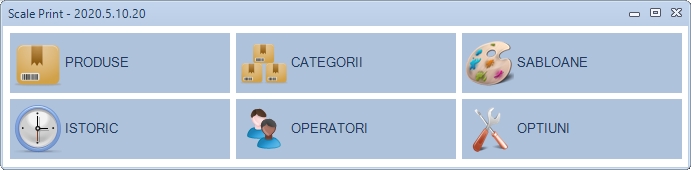
Cum funcționează Scale Print
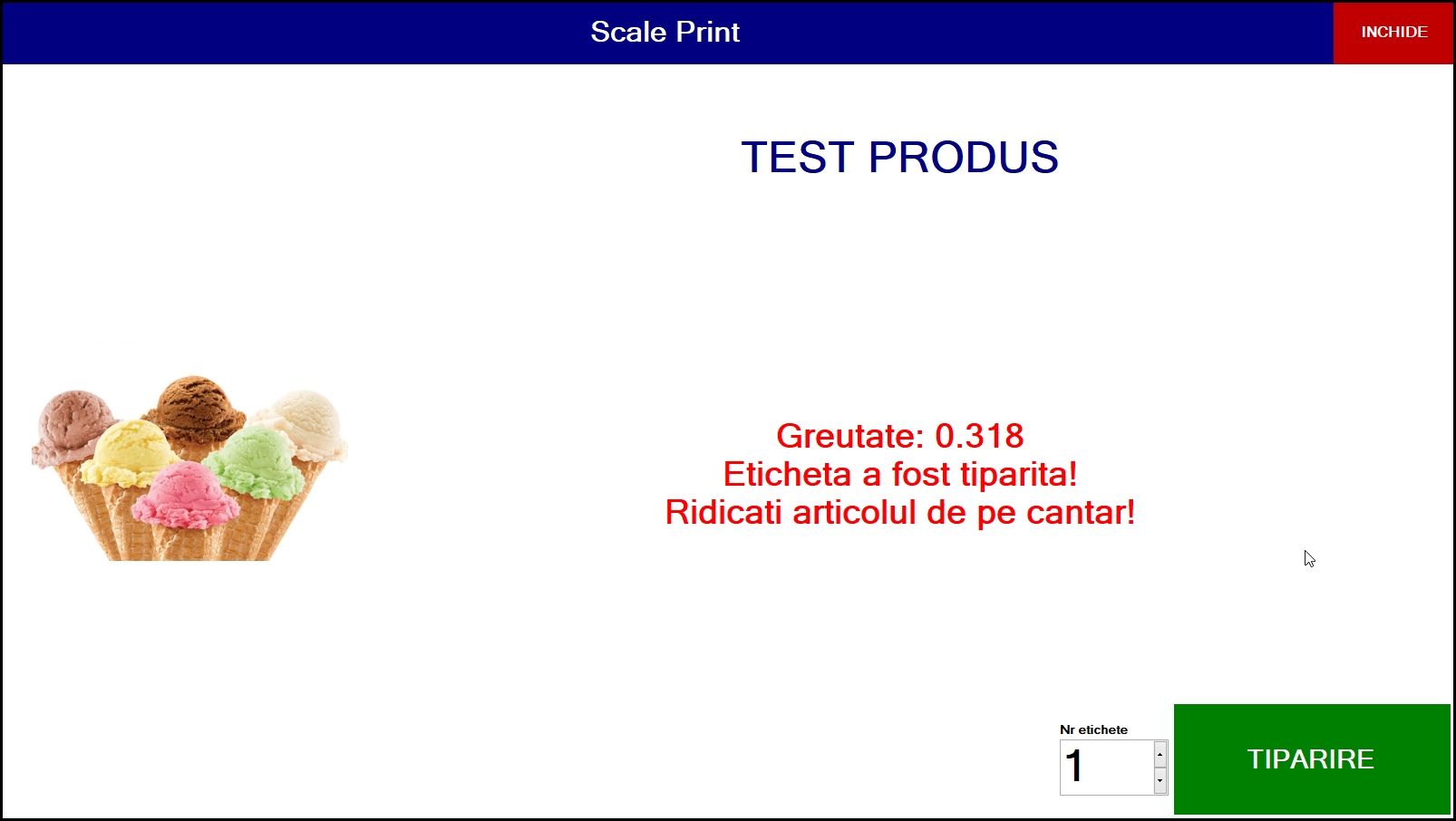
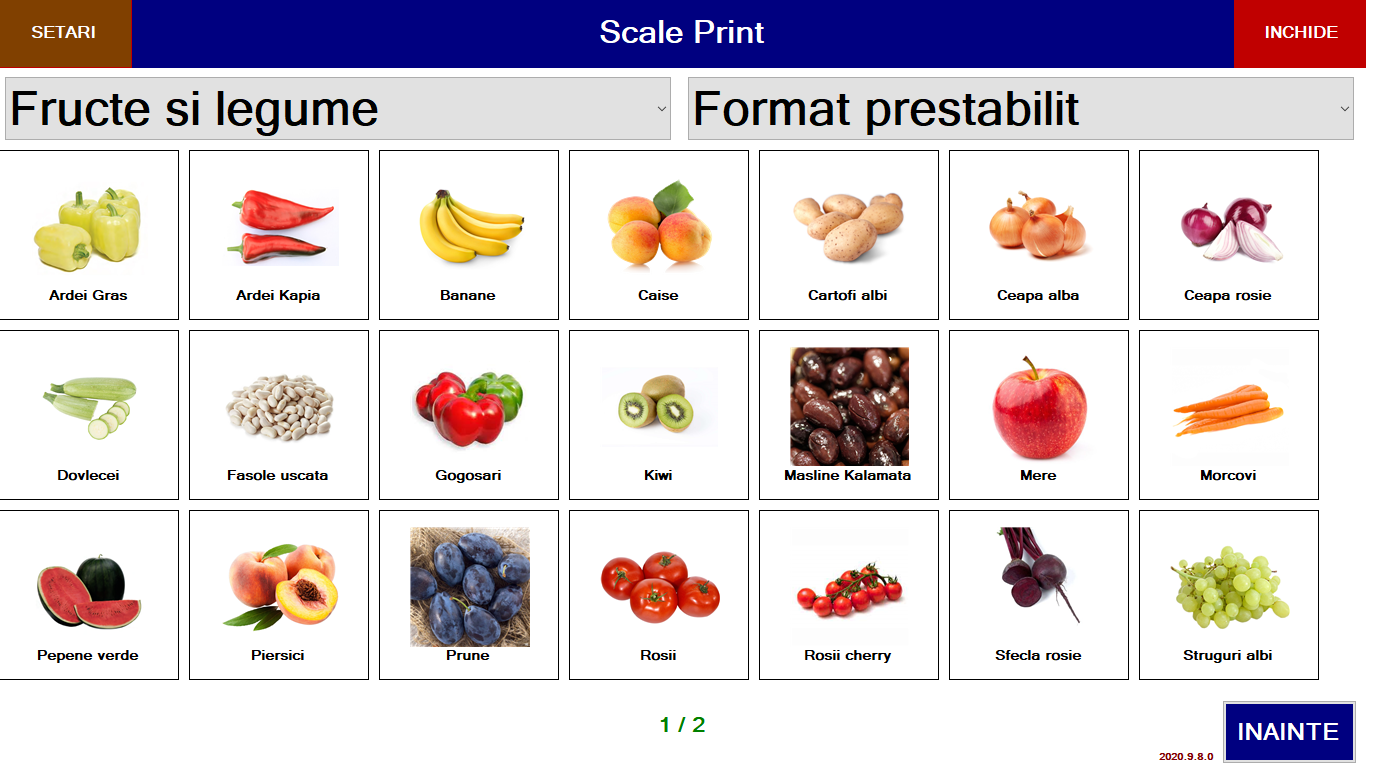
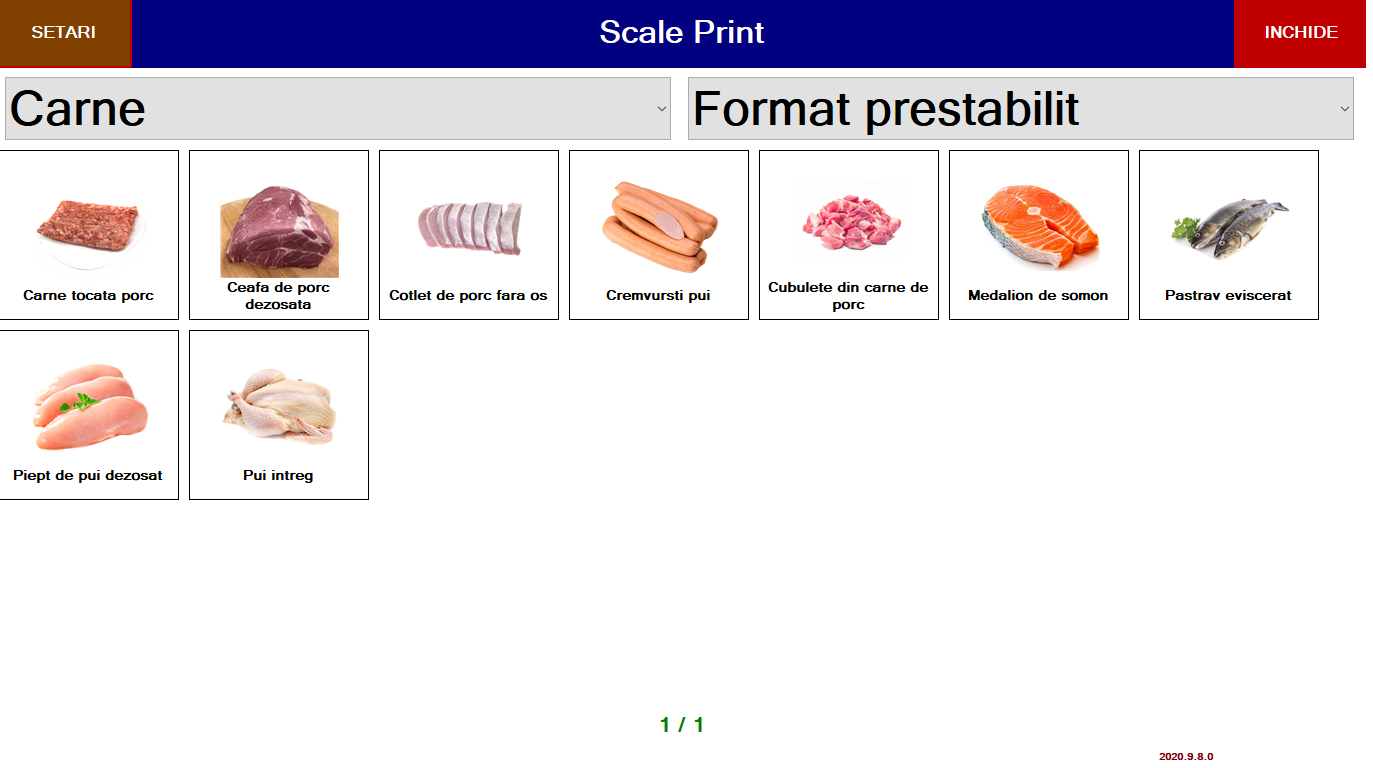
- Cântărire: Produsul este plasat pe cântar. Greutatea este citită automat prin protocol RS232, USB sau TCP/IP.
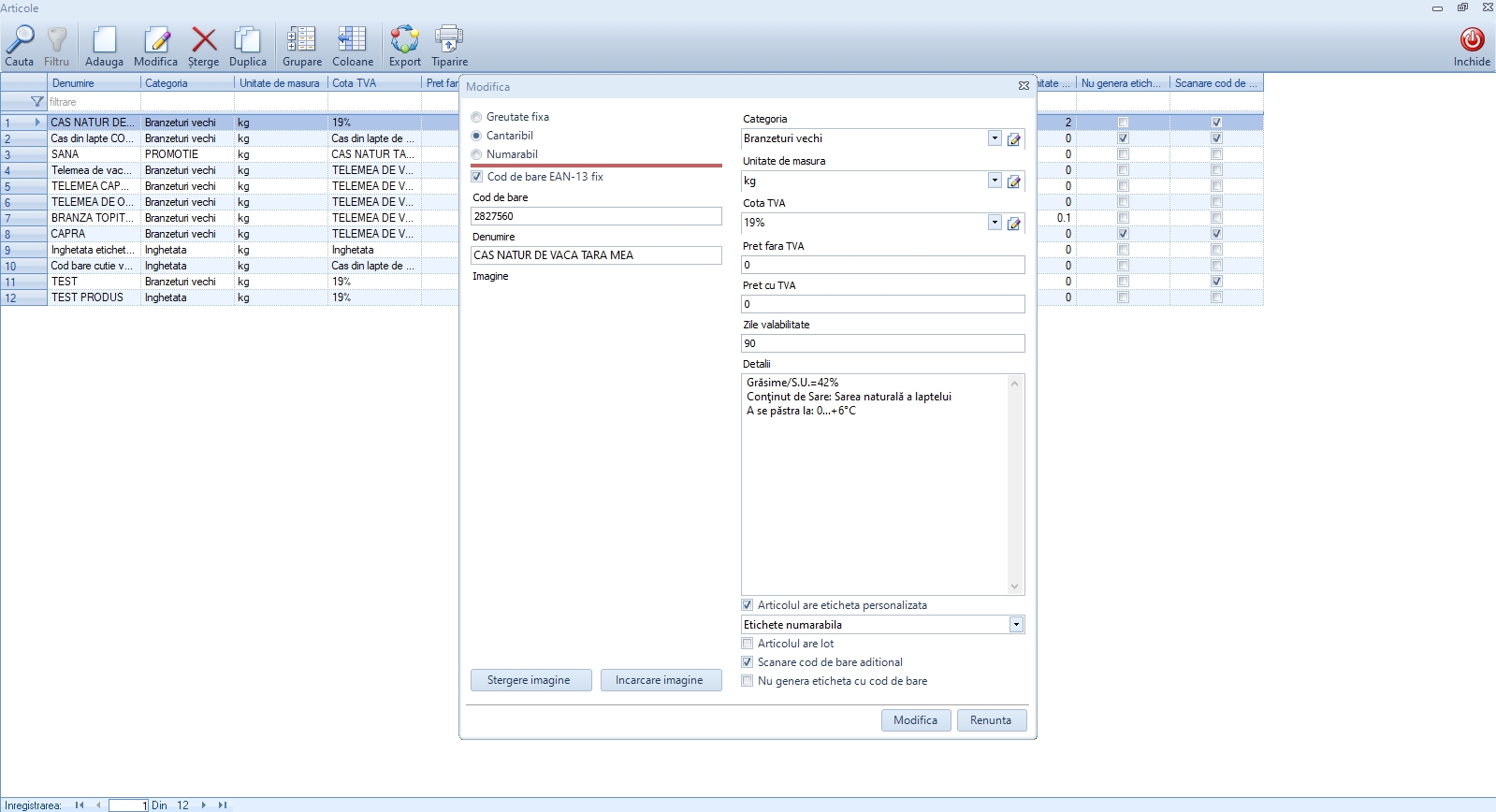
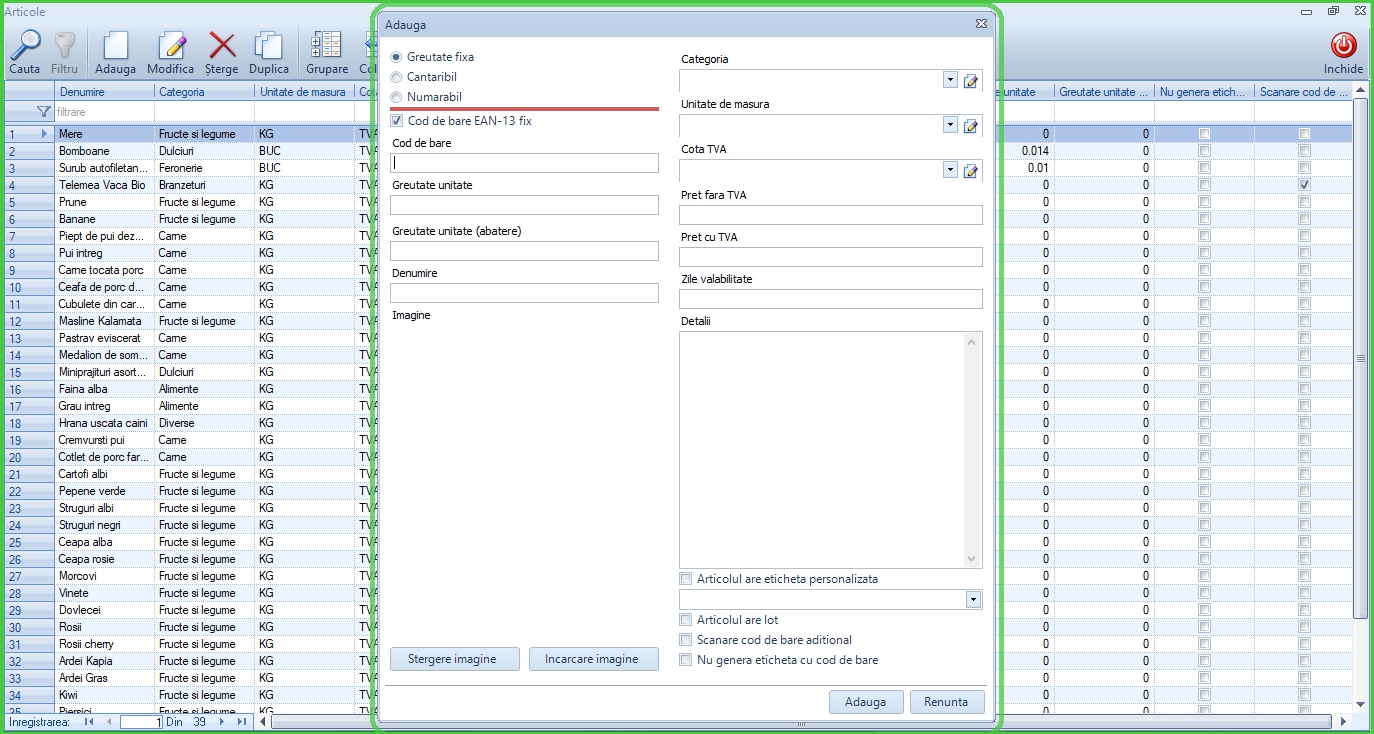
- Calcul: Sistemul calculează prețul (greutate × preț/kg), TVA, data expirare bazată pe lot.
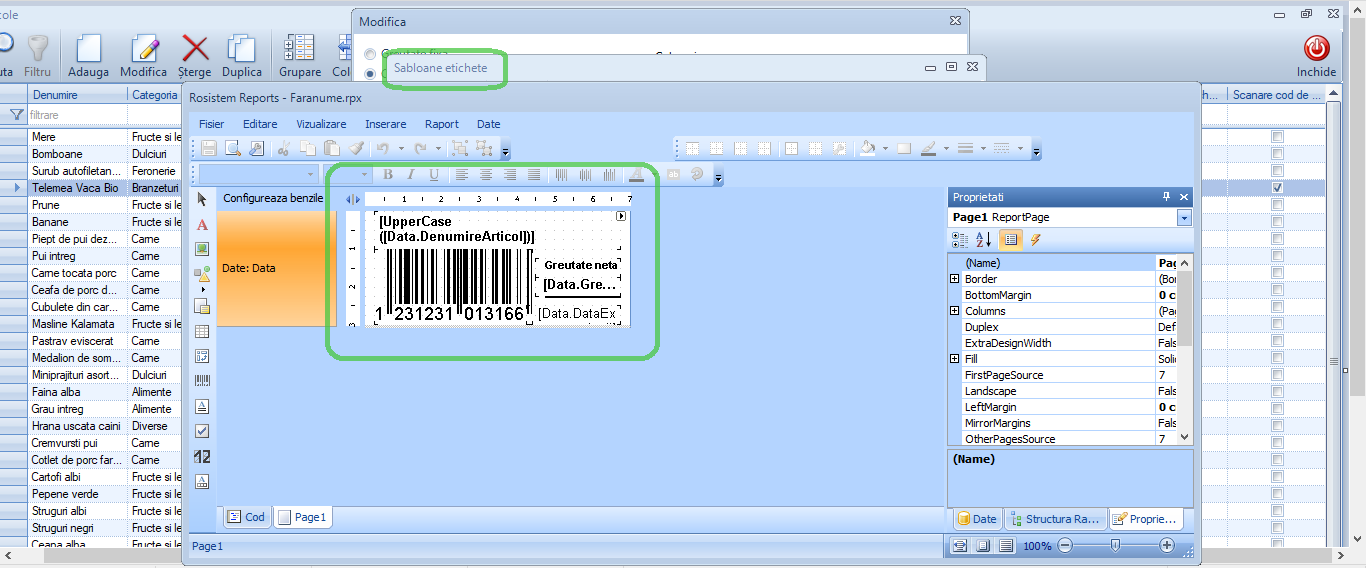
- Generare etichetă: Eticheta cu barcode GS1 (EAN-13 sau GS1-128) se generează instantaneu — include greutate, preț, lot, dată expirare.
- Tipărire: Eticheta se printează automat pe imprimanta Zebra sau Honeywell conectată la stație.
- Trasabilitate: Datele lotului sunt salvate în WMS pentru trasabilitate completă "de la fermă la raft".
Frequently asked questions
Which scales is Scale Print compatible with?
DIGI, Mettler Toledo, Bizerba, ISHIDA, Avery Weigh-Tronix systems and any scale with RS232 or TCP/IP serial port.
Can it generate full GS1 barcodes?
Yes. We generate EAN-13 with price field (AI 3100/3102) and GS1-128 with lot (AI 10), expiry date (AI 17) and weight (AI 3103).
Does it work in cold temperature factories?
Yes. We have implemented in sausage and cheese factories at 2–8°C temperatures. Equipment is industrial grade.
Ready to implement Rosistem Scale Print?
Request a free, personalized demo for your company. Our consultant will contact you within 24 hours.
Other Rosistem solutions