messages.products.premium_problem_label
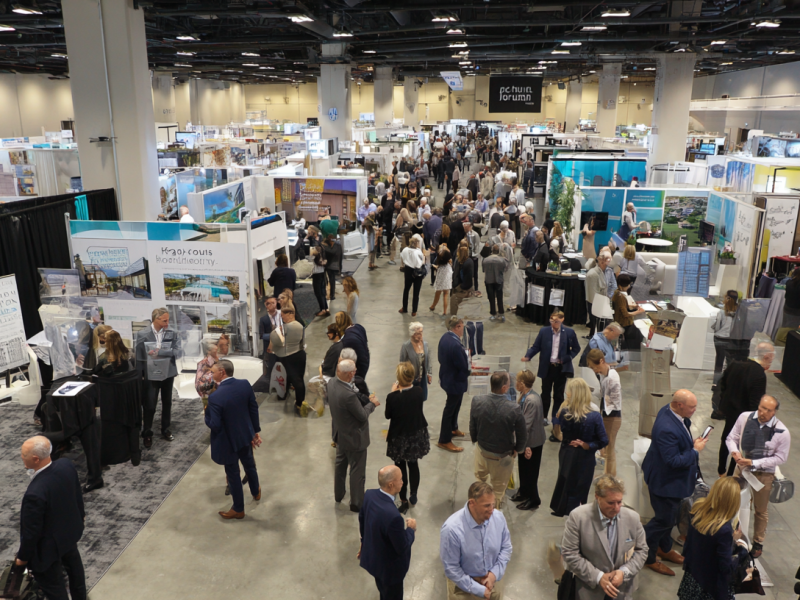
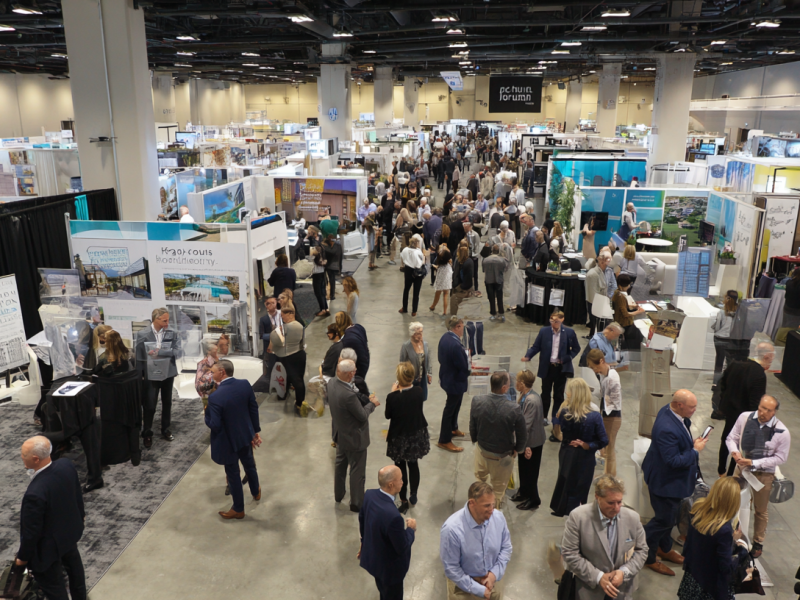
Conference check-in and lead-capture with printed lists and business cards leak 20–30% of qualified leads and stretch registration queues past 15 minutes at peak, damaging sponsor ROI.
messages.products.premium_audience_label
Event Managers and Marketing Directors running conferences, fairs and corporate events with 500–10,000 attendees and paying sponsors.
messages.products.premium_implementation_label
messages.products.gallery_eyebrow
messages.products.gallery_title
Compatibility to assess
Systems and equipment for integration
This list presents systems and equipment for assessing an integration. Available capabilities, compatible versions and workflows must be confirmed for each project; a logo is not evidence of an installed connector or a validated workflow.
ERP
messages.products.no_system_found
messages.products.why_rosistem
messages.products.why_rosistem_headline
Cum Gestionați un Eveniment de la A la Z
Pas 1: Înregistrare participanți și emitere bilete
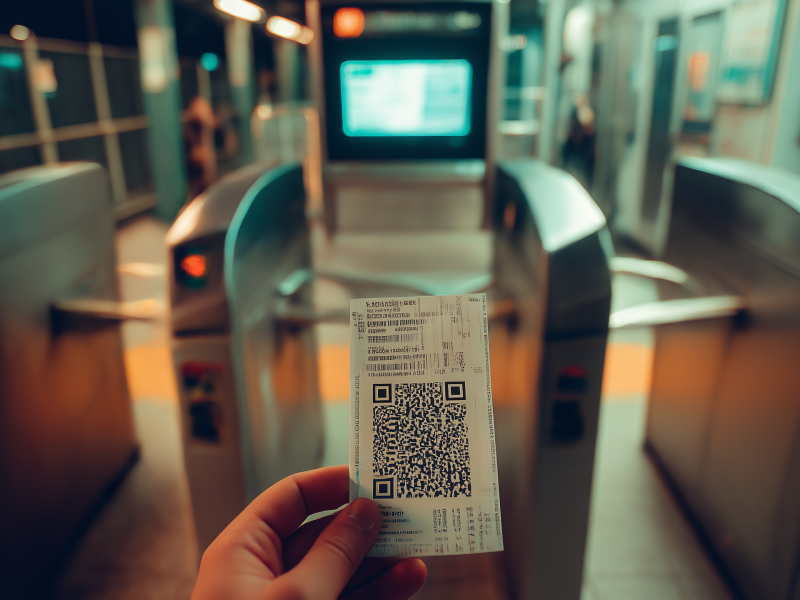
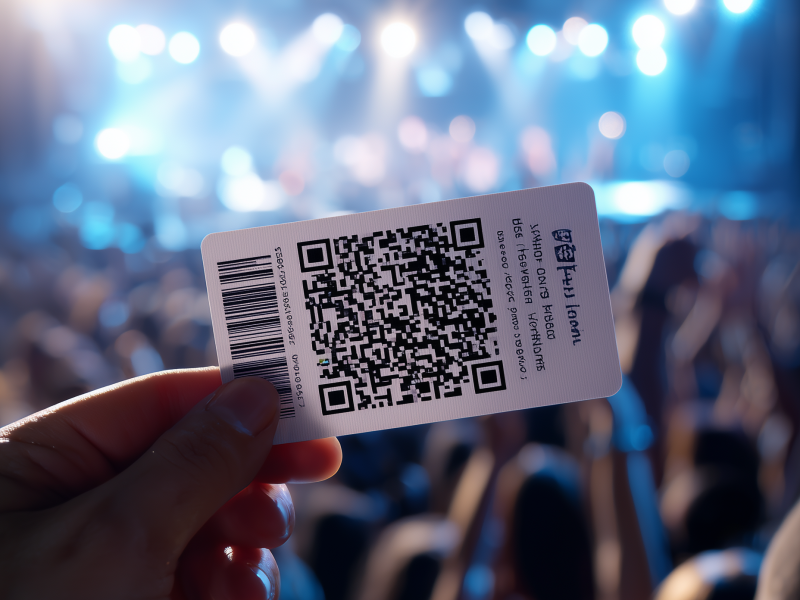
Participanții se înregistrează online sau on-site și primesc instant un bilet QR/cod de bare unic prin email. Datele pot fi importate din platforme externe via API. Sistemul suportă mai multe limbi pentru evenimente internaționale.
Pas 2: Tipărire ecusoane și bilete personalizate
La sediu sau on-site, se tipăresc ecusoane cu foto, nume, organizație și nivel de acces direct dintr-o singură bază de date. Layout personalizabil per categorie (VIP, exhibitor, staff, attendee).
Pas 3: Check-in rapid cu scaner sau chioșc
La intrare, scanare instant a biletelor QR cu terminal mobil sau chioșc self-service. Sistemul validează biletul, marchează prezența și tipărește ecusonul. Opțional: cititor RFID pentru flux fără contact.
Pas 4: Control acces pe zone și raportare în timp real
Permisiuni pe zone (VIP lounge, sală workshop, hall expozanți) configurabile per categorie. Dashboard live cu numărul de participanți pe zone, momente de vârf și statistici detaliate post-eveniment.
常见问题
How do I manage equipment with unique serial numbers?
Each valuable piece of equipment (projector, LED screen, audio system) has a serial number and individual tracking. You know exactly where each unit is, its usage history, and current condition.
Can I see which equipment is available for a specific date?
Yes. The availability calendar shows, for any equipment or category, busy and free periods. Booking is done directly from the calendar with automatic conflict checking.
How do I handle loss or damage of equipment?
Upon return, the condition is marked in the system. Damage can automatically generate a penalty invoice or a repair order. Damaged equipment is removed from available stock until repaired.
Can it integrate with invoicing systems?
Yes. The rental automatically generates the service invoice with all items and applied charges. Integration with Oblio.eu and SmartBill for automatic e-Invoice issuance.
其他 Rosistem 解决方案