messages.products.premium_problem_label
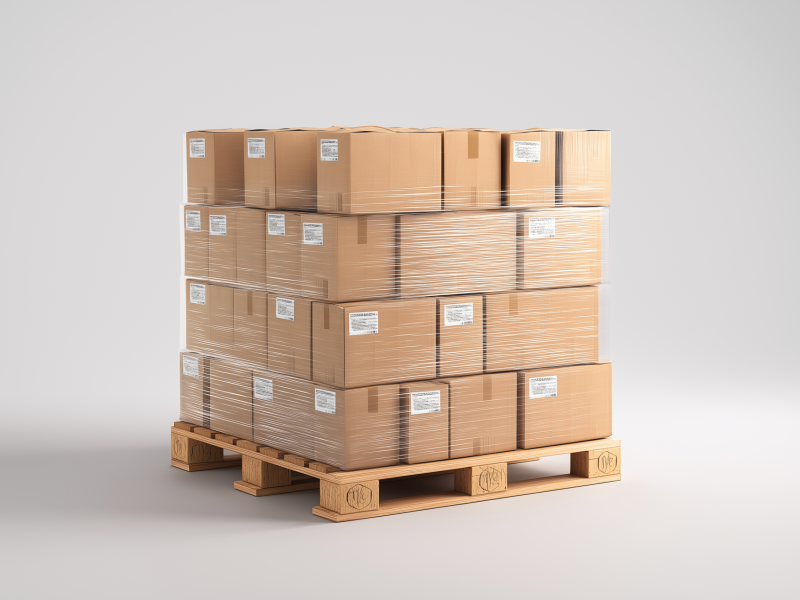
Generic label tools (Word, online generators) produce non-compliant GS1/EAN codes, broken label templates and no audit trail. Rejected shipments and relabeling at the customer dock cost €500–€2,000 per incident.
messages.products.premium_audience_label
Logistics and QA Managers at suppliers shipping to retail chains, automotive and pharma with strict GS1/EAN / UDI labeling mandates.
messages.products.premium_implementation_label
messages.products.gallery_eyebrow
messages.products.gallery_title

Compatibility to assess
Systems and equipment for integration
This list presents systems and equipment for assessing an integration. Available capabilities, compatible versions and workflows must be confirmed for each project; a logo is not evidence of an installed connector or a validated workflow.
ERP
messages.products.no_system_found
messages.products.why_rosistem
messages.products.why_rosistem_headline
From Design to Print in a Few Steps
Step 1: Design the label template
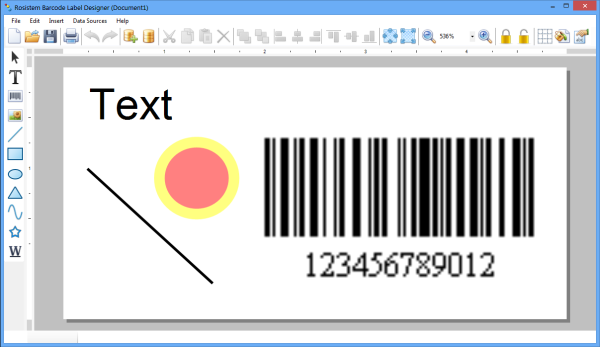
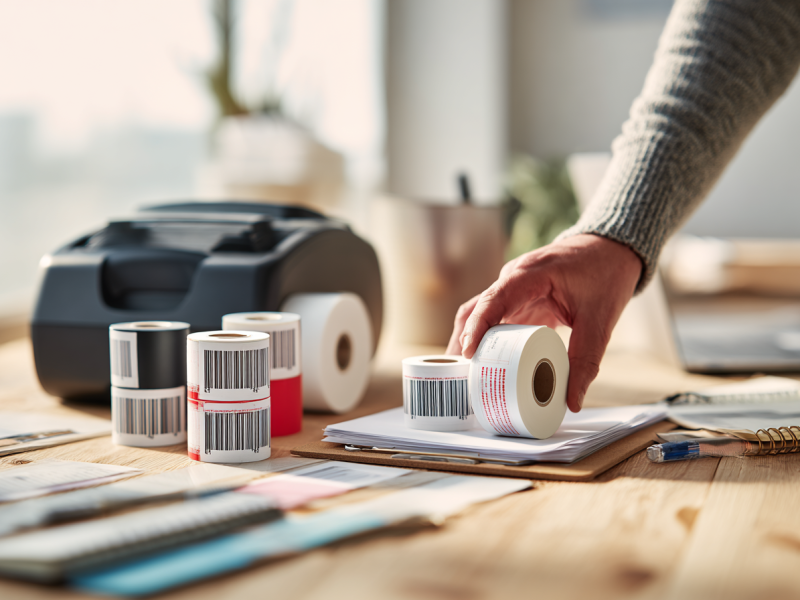
The visual drag-and-drop editor allows creating custom labels: logo, text fields, barcodes (Code128, QR, EAN-13, GS1-128, DataMatrix, SSCC-18), images. Templates are saved and reused.
Step 2: Connect to the data source
Dynamic fields are populated from WMS (product name, lot, expiry date, weight, price) or from Excel/CSV import. One label template → hundreds of different labels generated automatically.
Step 3: Print on any thermal printer
Native support for Zebra (ZPL), Sato, Honeywell, TSC, Citizen and any Windows-compatible printer. You can print directly at the scale (integrated with DIGI/SWS scales).
Step 4: Monitoring and reprinting
Print history is recorded in WMS. Reprint any label with one click, with updated data. Label consumption reports per warehouse and operator.
Frequently asked questions
What barcode standards are supported?
We support all GS1 standards: EAN-8, EAN-13, UPC-A, UPC-E, Code128, GS1-128, ITF-14, GS1 DataBar, QR Code, Data Matrix, PDF417, Aztec, SSCC-18. We can also generate proprietary codes for internal use.
Does the software work standalone, without any other system?
Yes. The barcode software is fully standalone — design labels in the WYSIWYG editor and print directly. Data can be typed manually, imported from CSV/Excel, pulled from ODBC databases, or generated automatically from a series. No external system required.
What data sources can be used at print time?
The Barcode Label Designer connects to CSV, Excel (XLS/XLSX), ODBC databases (SQL Server, MySQL, Oracle, PostgreSQL, Access) and built-in number/date series. The same label template can be reused across multiple data sources, with variable fields populated at print time.
Does it work with DIGI scales?
Yes. We have direct integration with DIGI SP, DIGI SM and SWS series scales. The measured weight is captured and inserted into the label automatically at printing.
How do I update prices on labels?
Prices come from your data source — Excel sheet, database query or external feed — and are read fresh on every print. No stale stock of pre-printed labels: change the price at the source and re-print on demand.
Ready to implement Rosistem Barcode Software?
Request a free, personalized demo for your company. Our consultant will contact you within 24 hours.
Other Rosistem solutions