messages.products.premium_problem_label
Annual stock-takes run with paper lists routinely take 2 weeks, freeze operations, and still end with 3–5% discrepancies that auditors flag. Recounts add further overtime cost.
messages.products.premium_audience_label
Retail and distribution Operations Managers running annual or cyclical stock-takes across 500+ SKUs or multiple locations.
messages.products.premium_implementation_label
messages.products.gallery_eyebrow
messages.products.gallery_title
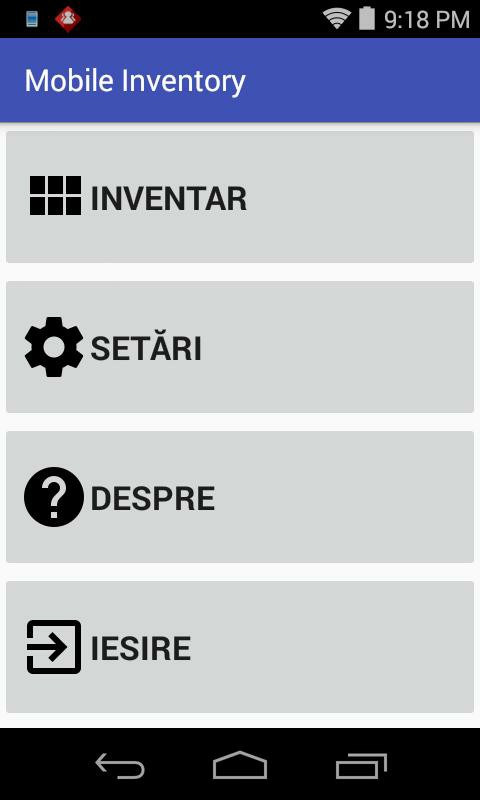
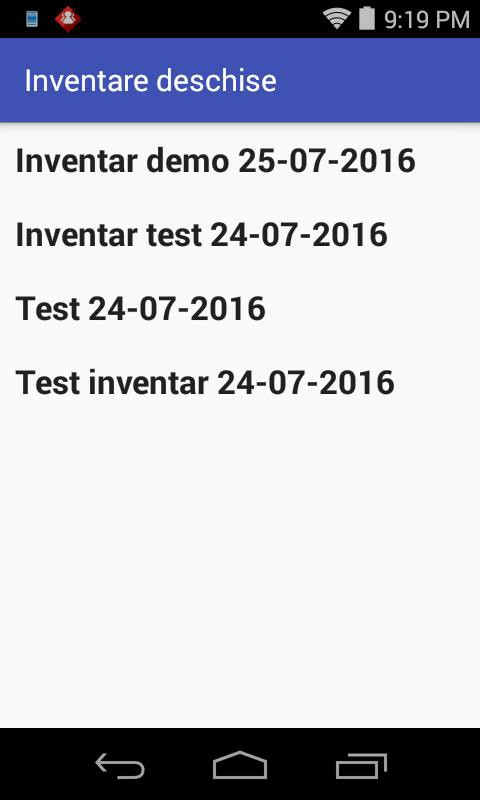
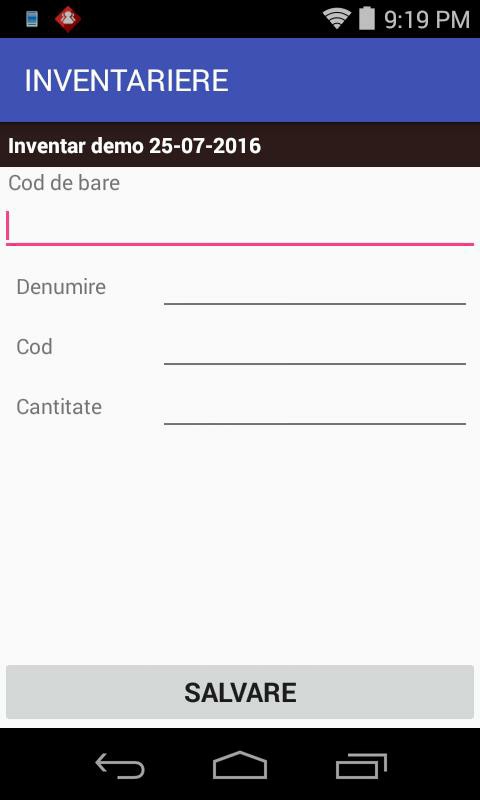
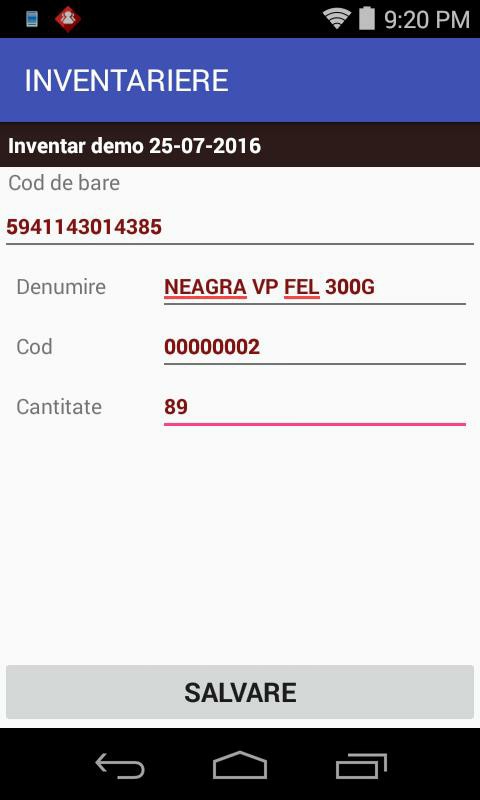
Compatibility to assess
Systems and equipment for integration
This list presents systems and equipment for assessing an integration. Available capabilities, compatible versions and workflows must be confirmed for each project; a logo is not evidence of an installed connector or a validated workflow.
ERP
messages.products.no_system_found
messages.products.why_rosistem
messages.products.why_rosistem_headline
How Mobile Inventory Works
Step 1: Initialize inventory from the back-office
Define the inventory type (full/partial/by location), time period, and counting teams. The app automatically generates work lists per operator.
Step 2: Scan with handheld terminal
Operators scan product barcodes or RFID tags directly on the shelf. The mobile app displays the name, unit of measure, and validates the entered quantity. Discrepancies from the theoretical stock are highlighted immediately.
Step 3: Automatic reconciliation and adjustment
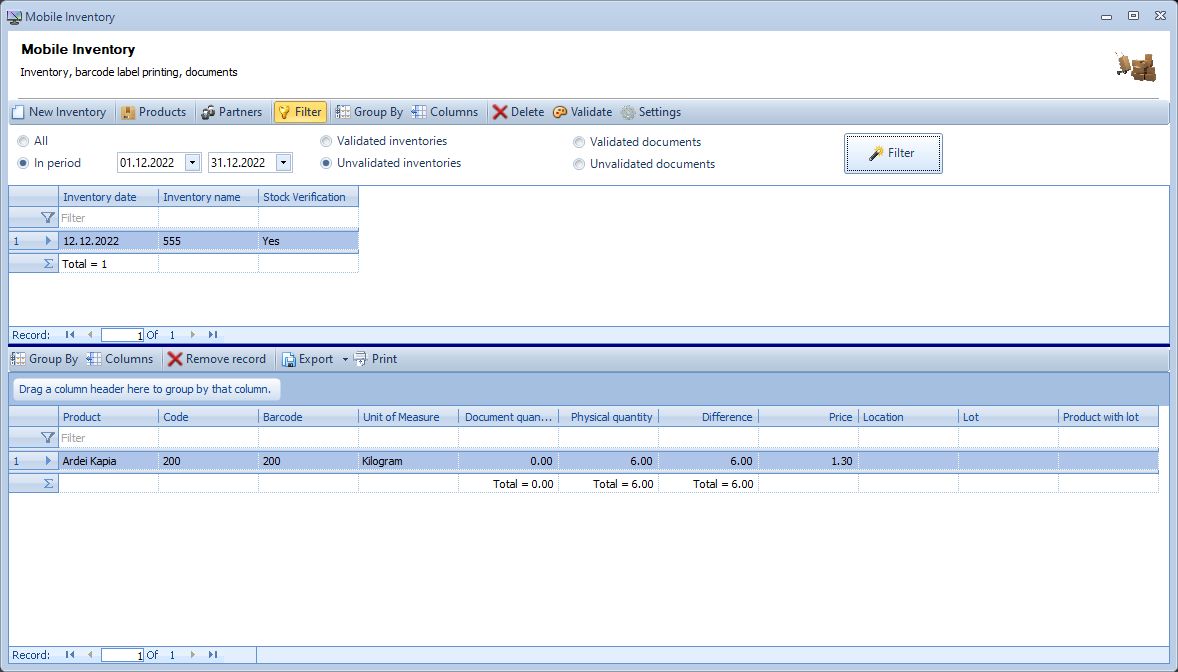
The system compares scanned quantities with book inventory. Differences are grouped in a discrepancy report. The supervisor approves adjustments, which are processed automatically — no manual re-entry.
Step 4: Reports and audit trail
Each inventory generates a complete register: who scanned, when, and what quantity. Reports are exportable to Excel or PDF for the inventory committee and external auditors.
Frequently asked questions
Does the app work standalone, without any other system?
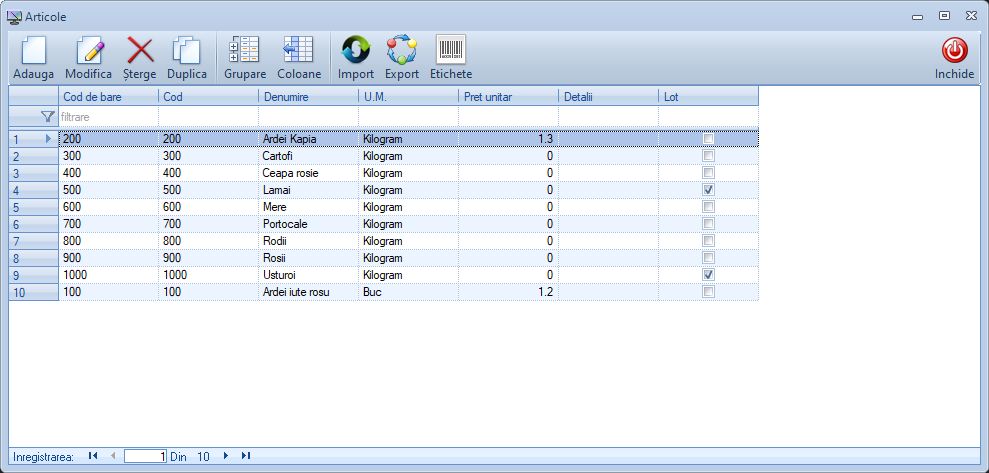
Yes. Mobile Inventory can be used fully standalone — the Windows back-office handles products, locations and inventories, and the Android app syncs data directly with it. CSV/Excel import-export covers data exchange with any external system.
Is there a legacy version for Windows Mobile / Windows CE devices?
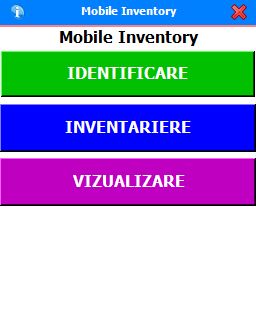
Yes. Alongside the main Android version, we also provide Mobile Inventory for Windows Mobile / Windows CE — for fleets of older terminals (Motorola/Symbol, Intermec, Datalogic, Honeywell etc.) that have not yet been migrated to Android. The legacy version uses the same Windows back-office and the same counting workflows as the Android edition.
Can I do selective inventory, only for certain product categories?
Yes. Mobile inventory supports filtering by category, location, supplier, or any defined criteria. You can count one category daily (cycle counting) without blocking the warehouse.
What if WiFi signal is weak in the warehouse?
Terminals support offline mode: scans are saved locally and automatically synchronized when the connection is restored. You never lose a scan.
How do I handle large discrepancies?
The app supports configurable alert thresholds (e.g., differences > 5%). Large differences require manager confirmation before processing. There is also a mandatory recount option.
Can it be used on existing mobile terminals?
Yes. The app runs on any Android terminal with integrated barcode reader (Zebra, Honeywell, Urovo, Datalogic, etc.) or on a standard smartphone with a camera.
Ready to implement Rosistem Inventory?
Request a free, personalized demo for your company. Our consultant will contact you within 24 hours.
Other Rosistem solutions