
messages.products.premium_problem_label
Conference check-in and lead-capture with printed lists and business cards leak 20–30% of qualified leads and stretch registration queues past 15 minutes at peak, damaging sponsor ROI.
messages.products.premium_audience_label
Event Managers and Marketing Directors running conferences, fairs and corporate events with 500–10,000 attendees and paying sponsors.
messages.products.premium_implementation_label
messages.products.gallery_eyebrow
messages.products.gallery_title

Compatibility to assess
Systems and equipment for integration
This list presents systems and equipment for assessing an integration. Available capabilities, compatible versions and workflows must be confirmed for each project; a logo is not evidence of an installed connector or a validated workflow.
ERP
messages.products.no_system_found
messages.products.why_rosistem
messages.products.why_rosistem_headline
How to Manage an Event from A to Z
Step 1: Attendee registration and ticket issuance
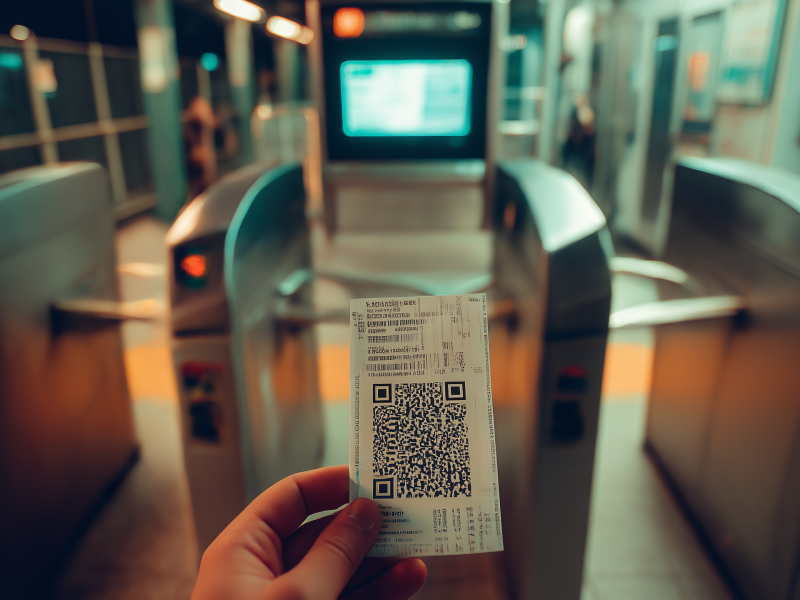
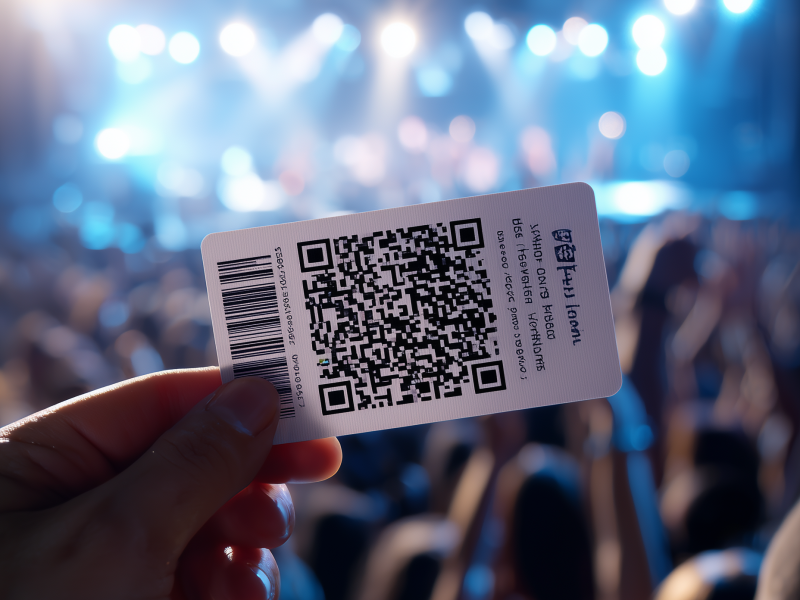
Attendees register online or on-site and instantly receive a unique QR/barcode ticket by email. Data can be imported from external platforms via API. The system supports multiple languages for international events.
Step 2: Badge and personalized ticket printing
At the venue, badges are printed with photo, name, organization and access level directly from a single database. Customizable layout per category (VIP, exhibitor, staff, attendee).
Step 3: Fast check-in with scanner or kiosk
At the entrance, instant QR ticket scanning with mobile terminal or self-service kiosk. The system validates the ticket, marks attendance and prints the badge. Optional: RFID reader for contactless flow.
Step 4: Zone-based access control and real-time reporting
Zone permissions (VIP lounge, workshop room, exhibitor hall) configurable per category. Live dashboard showing attendees per zone, peak moments and detailed post-event statistics.
Frequently asked questions
How do I manage equipment with unique serial numbers?
Each valuable piece of equipment (projector, LED screen, audio system) has a serial number and individual tracking. You know exactly where each unit is, its usage history, and current condition.
Can I see which equipment is available for a specific date?
Yes. The availability calendar shows, for any equipment or category, busy and free periods. Booking is done directly from the calendar with automatic conflict checking.
How do I handle loss or damage of equipment?
Upon return, the condition is marked in the system. Damage can automatically generate a penalty invoice or a repair order. Damaged equipment is removed from available stock until repaired.
Can it integrate with invoicing systems?
Yes. The rental automatically generates the service invoice with all items and applied charges. Integration with Oblio.eu and SmartBill for automatic e-Invoice issuance.
Ready to implement Rosistem Events?
Request a free, personalized demo for your company. Our consultant will contact you within 24 hours.
Other Rosistem solutions